
An assistant that understands the context in which it works.
The modes are not separate assistants. They share the same foundation of conversations, permissions, context and Moodle governance.
Pimenko AI is not added alongside Moodle.
It operates from within Moodle, using its rules, roles and permissions.
Modes and permissions
The modes shown depend on the role, permissions, course and open page.
Separate conversations
Exchanges are separated by mode, user and relevant context.
Managed history
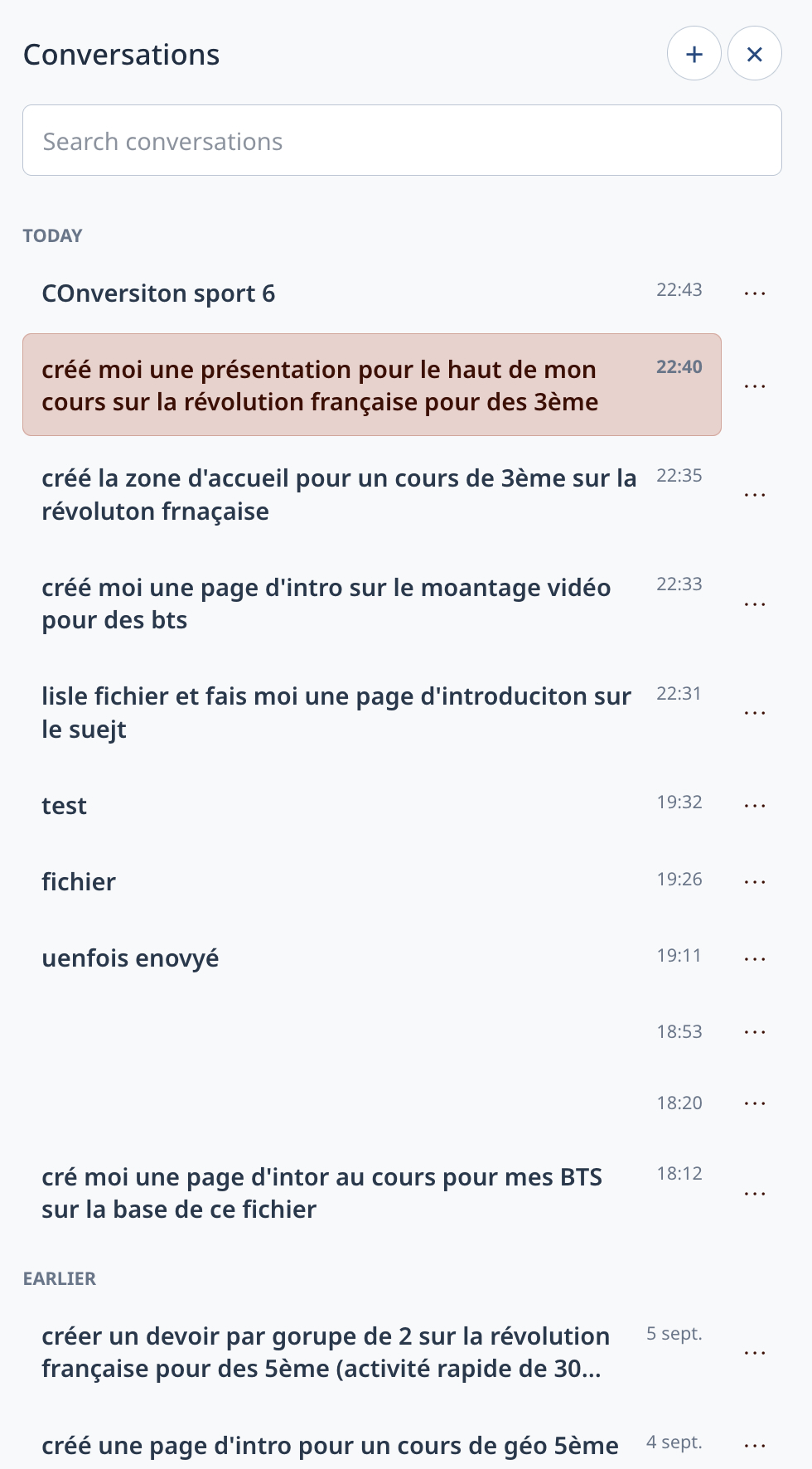
View, search, rename, delete or resume a conversation.
Confirmed actions
Creation and administration operations are prepared and then submitted for confirmation.
Consent and quotas
AI use can be accepted, limited and configured at platform level.
Moodle privacy
Pseudonymisation, export, deletion and traceability rely on the mechanisms provided by Moodle.
One assistant, several Moodle situations.
A tutoring exchange in one course does not mix with a creation conversation in another space. This separation makes the assistant clearer and easier to govern.
- The visible mode depends on role and permissions
- The course and open page contribute to the context
- Conversations remain distinct
- Sensitive actions require confirmation
Keep exploring
our pedagogical approach · the assistance modes · how your data is hosted in Europe